Last updated: September 4, 2025
In digital books, an alt (or alternative) text describing each image is read aloud by a screen reader to ensure access for readers who are blind or have low vision. Visual material is integral to the books we publish and making illustrations accessible to all readers is one of our primary responsibilities.
Overview
- Alt text is distinct from captions. Unless it is necessary to make sense of an image, don’t repeat info found in the captions or in the text, as these elements are also read aloud by the screen reader.
- As a guideline, alt text should be only as long as it needs to be. Fewer than forty words for each illustration is typically sufficient, though some figures might require more, particularly multipart figures or maps.
- It’s unnecessary to repeat “an image of” or similar wording in each alt text.
- Make the text descriptive and specific to the book at hand.
- Read surrounding text to glean why the image was included. What is it intended to do here? What information is the image conveying? The visual description of the image should be informed by its context.
- Describe the image generally, focusing only on what you can see in the picture, then bring in details that are relevant, such as artistic style, techniques, motifs, medium, palette, composition, figures, objects, and shapes. And don’t ignore the obvious!
- For scholarly and technical books, use the terminology of the field. Avoid highly specialized terminology in books geared toward a general audience.
- Do not guess at what you are looking at or add information that may seem interesting but is not germane to the author’s subject and themes or, worse, may be inaccurate. If you are unsure about something, leave it out. We want to avoid introducing errors into the alt text at all costs.
Specifications
- If the image includes legible text, it should be transcribed or summarized, unless it appears in the caption or surrounding text. If the text is illegible, or particularly lengthy, its presence can merely be noted.
- Be aware of the types of punctuation screen readers will and will not read. In general, use only commas as a pause and periods as a full stop. There is no need to use semicolons, colons, hyphens, or parentheses.
- Look out for any symbols that might not be read properly by a screen reader as these will need to be spelled out. For instance, $154 should be rewritten as 154 dollars and 50 µm as 50 micrometers. Spell out quotation marks, e.g., quote . . . end quote.
- In general, alt text should not refer to a person’s skin tone or race unless there is a compelling reason to do so, based on the surrounding text.
- There should be one alt text supplied for each image. A single illustration that is present over a spread or gatefold should have one alt text.
Covers, Details, and Decorative Images
See example #7 below
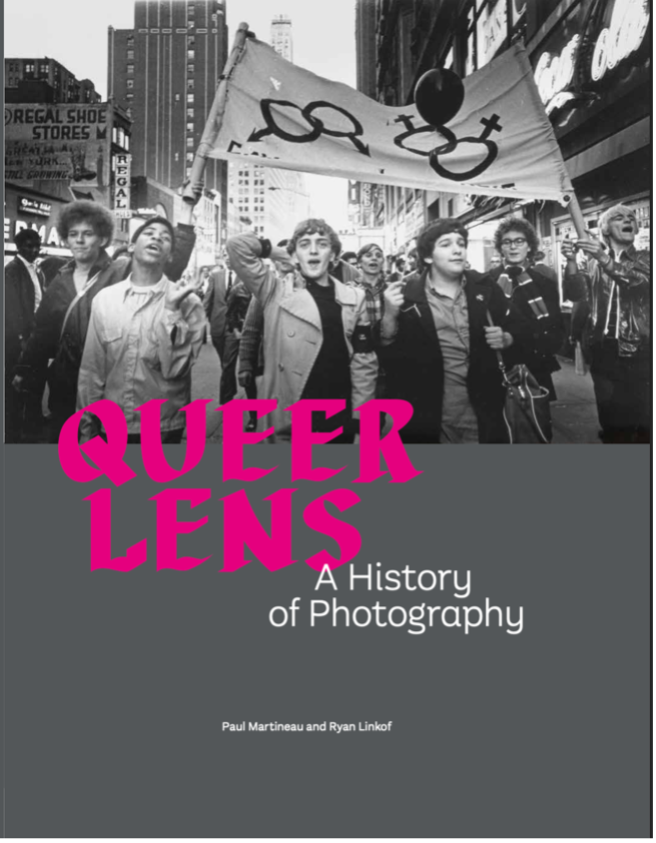
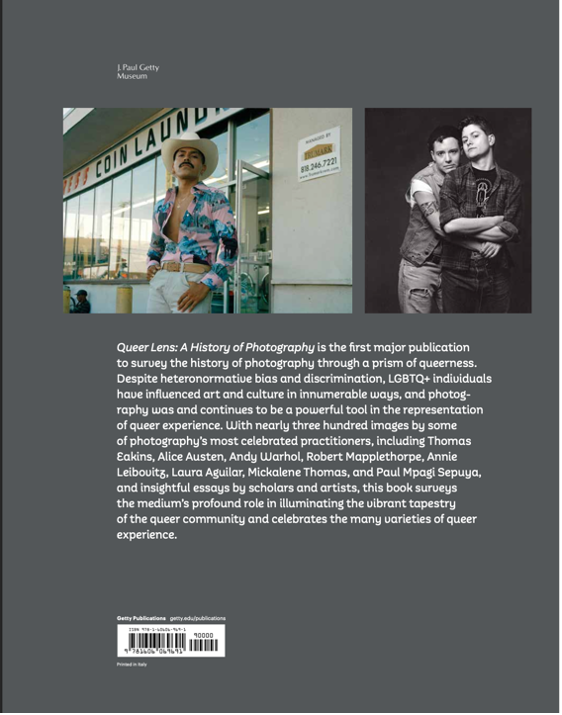
- Alt text should be supplied for covers, section dividers, and decorative images. These images are usually repeated elsewhere in the book with full captions, often on the copyright page.
- Alt text should be described in a consistent way. If a cover, a detail, or an interior decorative image repeats inside the book in full, the alt text should be abbreviated and reference the place inside the book where the full image and the complete alt text appear.
- Because decorative images often do not have accompanying captions, it is appropriate to include abbreviated caption information in the alt text.
Extended Descriptions vs. Alt Text
See example #8 below
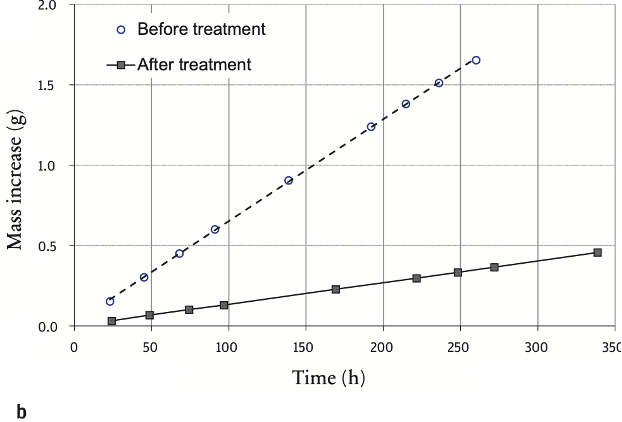
- Unlike alt text, which is meant to be short, some images, such as graphs and charts, require lengthy extended descriptions to convey all pertinent information for a screen reader.
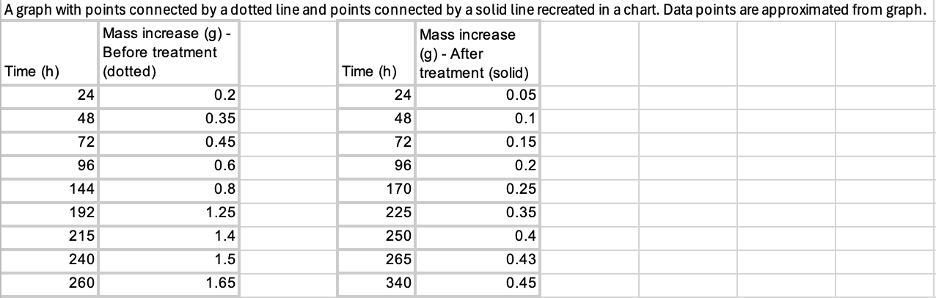
- The best way to format and supply an extended description for a chart or graph is to prepare an individual Excel sheet that translates the information from the graph into a plaintext table; include a brief description of this process for clarity. An ePub conversion vendor can then convert this information into HTML for the digital book.
Alt Text Examples from Getty
| Image | Alt Text |
|---|---|
|
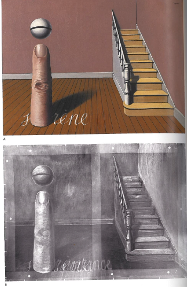
Image A. A painting of a room with a staircase that leads into the back wall. The word sirène written on the floorboards has a finger protruding from where the letter i should be. A sphere above the finger dots the i. Image B. X-ray of figure A with the word importance now visible beneath the word sirène but still aligned so that the finger and sphere function as lowercase i. |
|
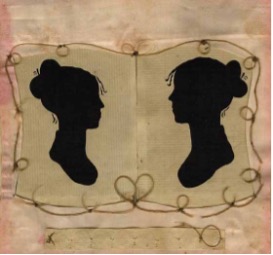
A pair of silhouetted female profiles presented in black against a background of cream-colored paper face each other. The artwork is framed in silk and braided human hair, which forms a delicate heart shape between the two dark shapes. |
|
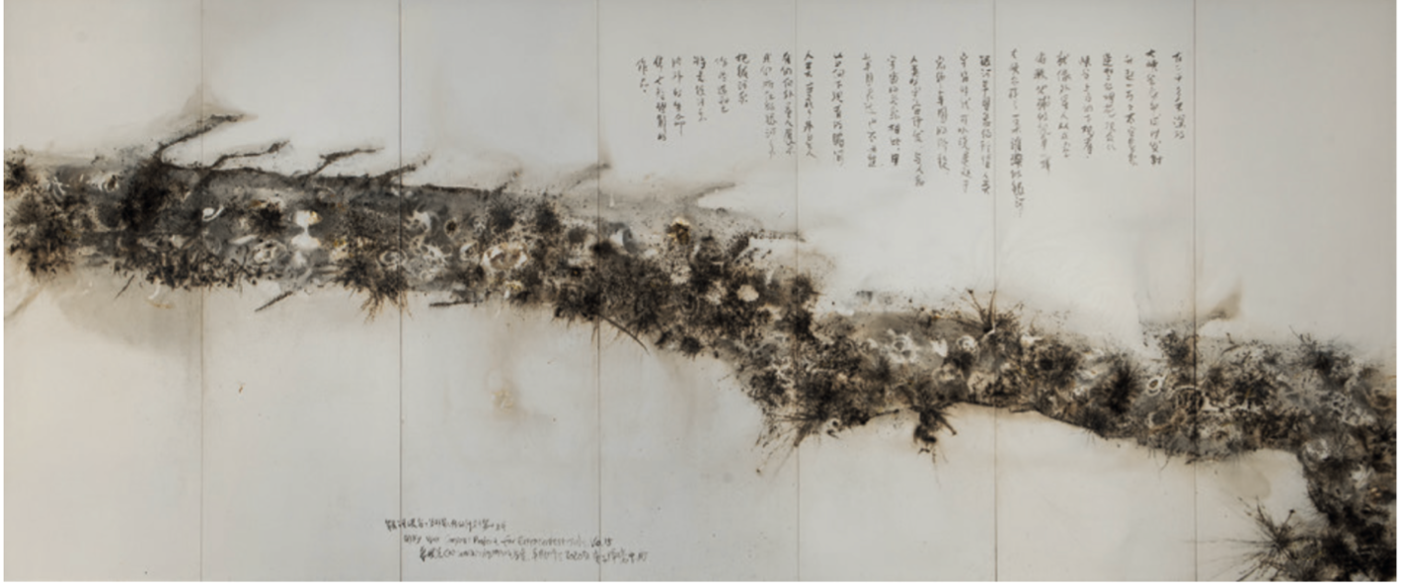
Gunpowder drawing. A path made with flares of gunpowder reaches from the middle of the left edge and across seven joined, vertical panels and into the lower rightmost corner. Twenty-four columns of Chinese writing span the fourth through sixth panels. |
|
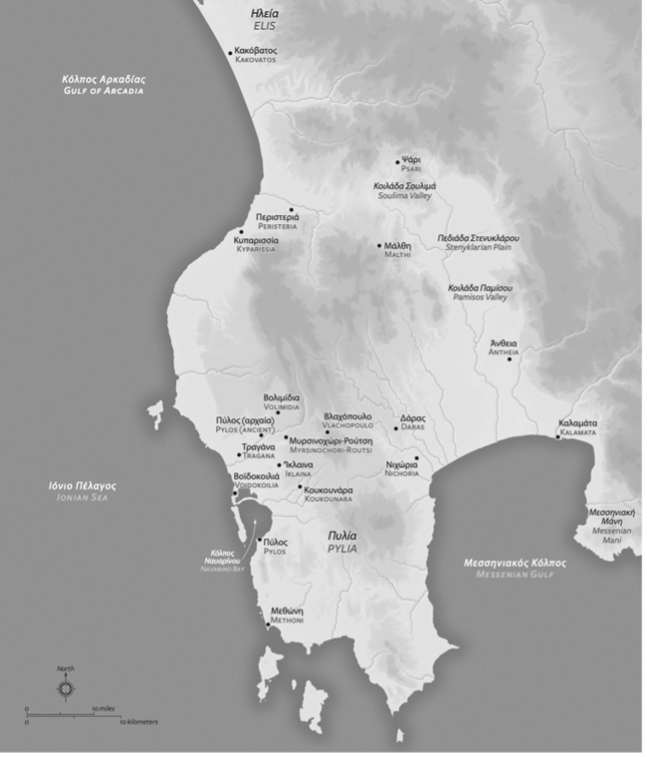
A map displayed in grayscale shows Messenia surrounded by the Gulf of Arcadia in the northwest, the Ionian Sea to the west, and the Messenian Gulf to the southeast. Locations are labeled with text in Greek and Latin alphabets. These labeled locations include settlements and regions, such as Pylia, Pylos, and Methoni in the south, Kakovatos in the far north, and Messenian Mani on the eastern side of the Messenian Gulf. Additional geographic features are also labeled, such as Navarino Bay in the west, along with two valleys and a plain in the center of the land mass toward the north. |
|
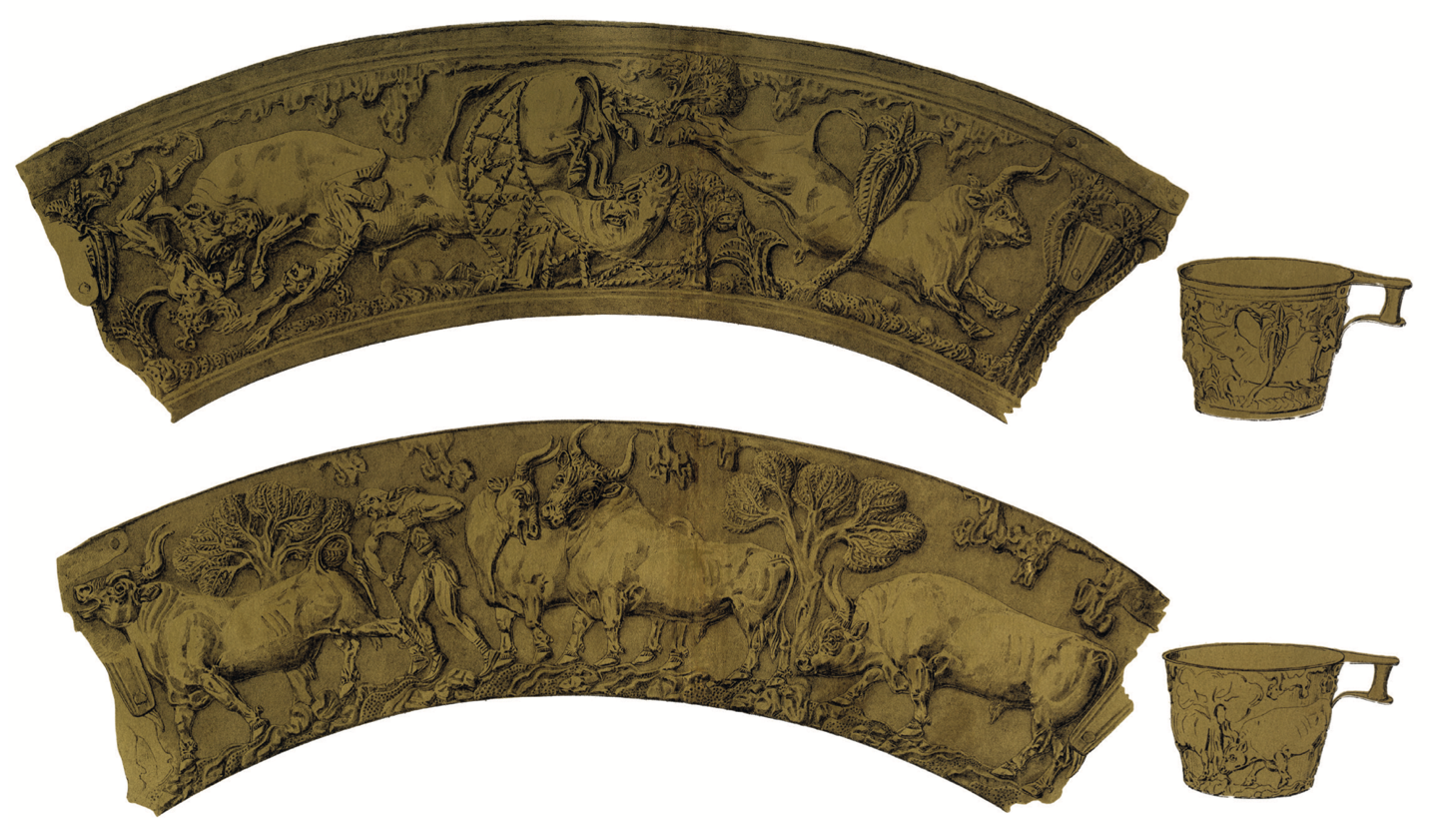
Rollout illustrations of two gold cups that have gently flaring sides and handles near the rim. Views to one side show what each cup would look like if unfurled. Each has bulls and trees in low relief. |
|
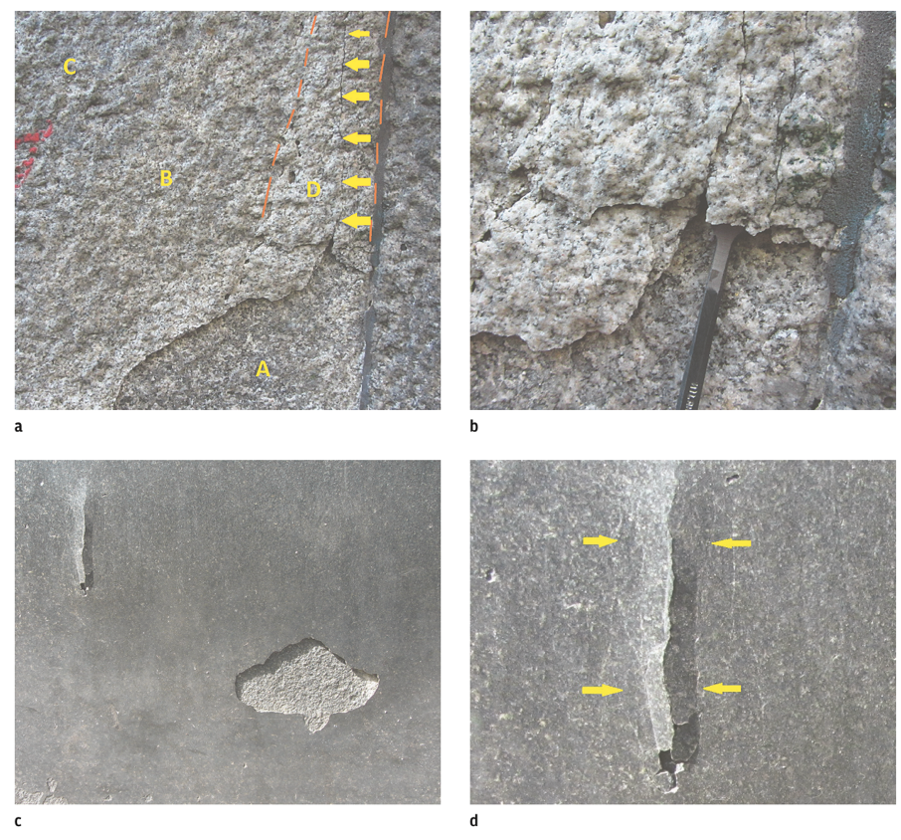
A) Rock surface with zones labeled A, B, C, and D. Yellow arrows mark a rupture line within zone D. B) Close-up of rock surface showing buckling and a rupture plane forming a plaque. A chisel is inserted beneath one section of plaque. C) Rock surface with a partially detached plaque in the top left and a buckling zone in the bottom right. D) Close-up of the buckling zone in image C, with yellow arrows highlighting a crack. |
|
The front cover of the book Queer Lens: A History of Photography, by Paul Martineau and Ryan Linkof. The cover features a black-and-white photograph by Diana Davies that captures a Gay liberation march on Times Square, New York City, in 1969. See Plate 100 on page 173 for more details. |
|
The back cover of the book Queer Lens, which features a synopsis of the book, claiming that this is, quote, the first major publication to survey the history of photography through a queer lens, end quote. There are two photographs, the one on the left is a color photo of a man posing in front of a laundromat wearing a white cowboy hat and a pink shirt. See Plate 200 on page 287 for more details. On the right is a black-and-white photograph of a couple facing the camera and embracing. See Plate 170 on page 255 for more details. |
|
A graph with points connected by a solid line
recreated in a chart.
|
Further Reading
Extended read on building digital accessibility for museum collections:
- Emily Watlington, “How Museums are Making Artworks Accessible to Blind People Online,” Art in America, February 12, 2020
- Guidelines for Image Description from the Cooper Hewitt
- Quick overview of alt text from a non-art guide to accessibility in Harvard Digital Accessibility’s Images and Media section
- Deeper dive into the different uses for images via Web Accessibility Initiative’s Images Tutorial